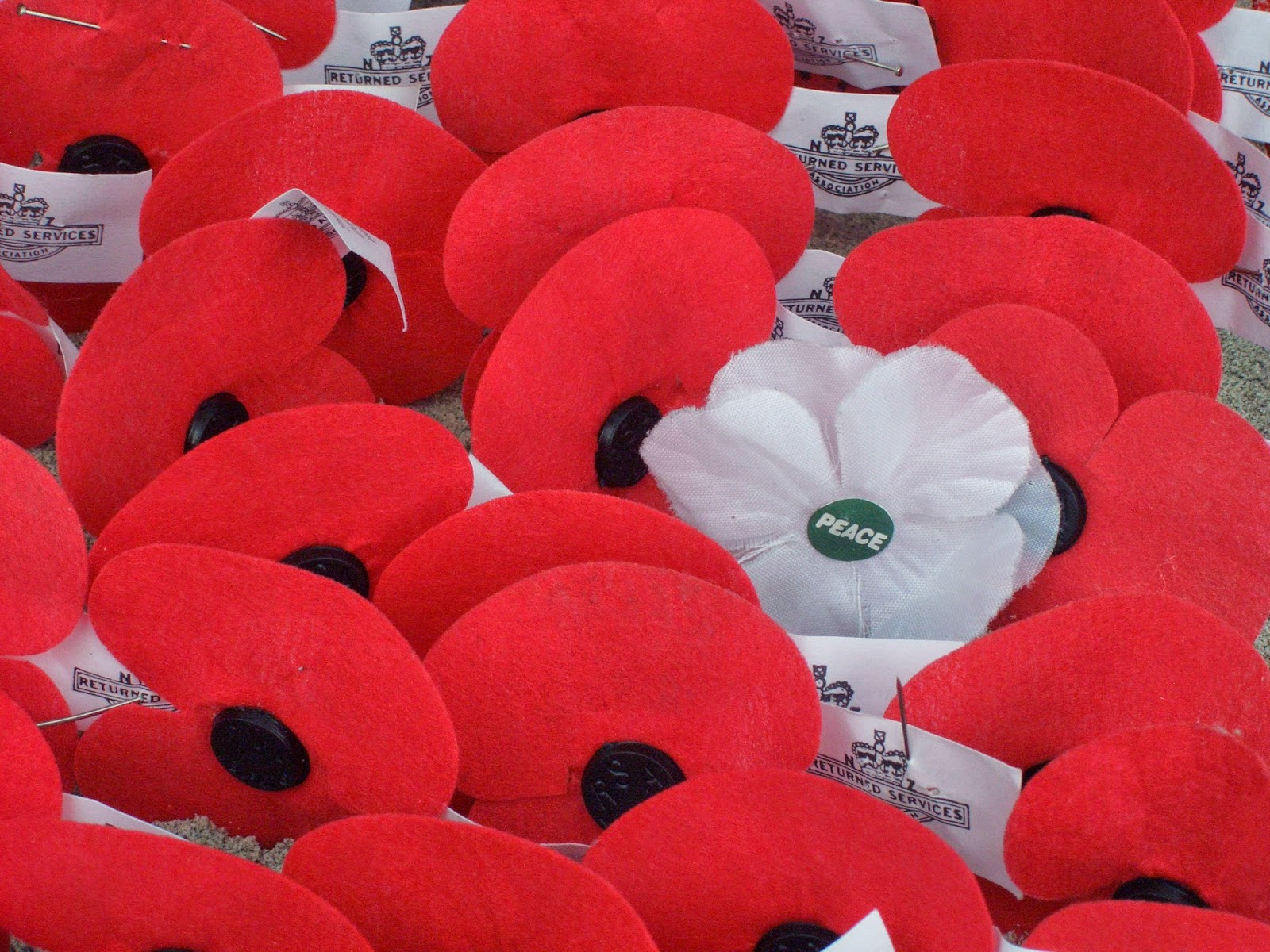
I think it was kind of hard since I never worked on a mac before and the part where we put our voice in the movie it got kind of hard (again). This picture was pretty easy to find since I only had to look up Remembrance day Poppy. Me, Theresa, Mika and Sophia was in a group and it was really fun to work with them cause they are friends of them. Me and Theresa help the two other girls like for voice ,and Sophia and Mika did most of the digital work like the movie itself.
I chose this picture because even though people sacrificed themselves for our country, we still celebrate in memorial for they died as heroes on the battlefield. We may miss our loved ones but they would not want us to be in sorrow, they would want us to be happy and remember how they saved us. We wear a poppy to remind ourselves about the sacrifice they made.
I had never used a mac or iMovie before so I really didn't know what to do. Mika and Sophia added the citations but I don't know how. I know that there's a text feature in iMovie but it's tricky for me to use. Patricia and I both just added our voices in. We had to do a few takes before we could get it right. They were just small mistakes like noises in the background, forgetting the words and so on but other than that, it was pretty easy, other than working with iMovie for the first time, getting used to it and figuring out how to use the microphone.
During this project, it made me think a bit more about the people that died during war and how it's affected us in the long run. I can't really explain it but I've come to appreciate Remembrance Day more.
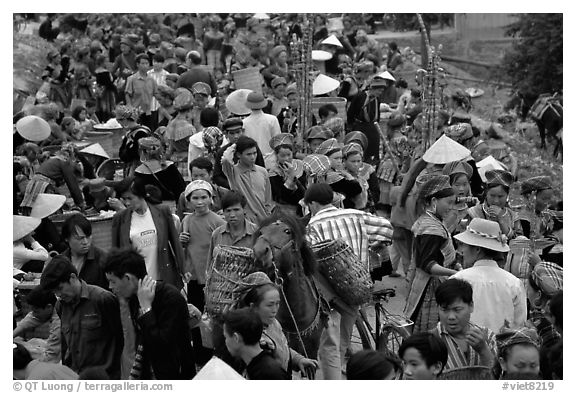
This photo is phtotshoppdd by me. It's a collaboration of the photos I like. I chose the picture with the soldiers because it show the soldiers' real feelings with war. The seem tough to our sight but in reality, they're also people like us, who have feelings. And also I put the photo with a crowd of people because it shows the people the soldiers are dying for. And then, I used the poppies on the background.
https://www.youtube.com/watch?v=shJQ-7lAz4s
Steps:
I made a presentation in Google Drive then shared it with my group members.
We copied then paste the poem to our Google Drive then divided the poem into four for each of us.
We looked for images for our stanzas.
We pasted the images on our slide and pasted the links on the Image Citations slide.
We added some typography on our slides but those were not included in making the video.
In preparing our video for Remembrance Day, we learned how to use iMovie, but before we went to iMovie to put our video together, we found pictures that would match and suit the poem that we chose. We then got the links for each picture and figured out what order the pictures were going to be in. We later put it into iMovie and recorded ourselves reciting the poem. We lined up the pictures to the audio. We also adjusted the amount of time the pictures will be shown. After that we were done and the video was complete.
For this Remembrance Day presentation, we learned how to use iMovie. We found pictures that we thought would explain the poem best. Once we put the pictures in, we recorded our voices to read the poem. We learned how to line up the voices so it matched the pictures. Then, we adjusted how long the pictures were going to be shown, and the video was complete.
What I learned about making a published movie with imovie. I didn't think that I could actually make a remembrance day presentation. It just looked really hard because of all the buttons you had to press, but no! Just one click here and one click there, and bam it just does the rest for you. I learned how to add voices, how to edit them and how to add the to picture itself. All together it was really easy i would like to work with a mac again sometime
iMovie was really difficult to work because one, I never used it, and two, I never used mac. We didn't know how to put fonts on top of fonts on iMovie so what we did was put fonts on google drive presentation and print screen all the slides. Each of us had a job, my job was to put fonts on pictures, print screen, and send it to them. Sophia is in charge of arranging pictures, Theresa and Patricia is in charge of keeping us in task. It was really stressful because our pictures was all plain so I put fonts on it and it was our last day to work on it so I had to rush putting fonts. I wasn't with my group the whole time so I didn't know how they use iMovie. After I send them the pictures, we arranged it to proper place, record our voices, add some transition and we're done! I can't believe we finished everything in one day though. The problem in our video is that our audio is really bad, our voices are quiet, and I didn't pronounce my words properly.
This is my group's video for Remebrance Day that we worked on. We worked hard, so please view it, as we wish to satisfy your requirements.
Over the time that we spent working on this project, I felt as though I have improved my video editing skills. I got more familiar with video editing interfaces(e.g iMovie). We also learned how to do voice overs. Finally, finding pictures was really easy.
That's my overall reflection of what we did throughout this project.
I think iMovie was fun, it was kind of hard to find things out. I've never worked with iMovie in the past so, it was hard to put fonts and such. Working with iMovie was overwhelming because of the different things that I have worked with before. On iMovie I didn't know how to overlay a font into a video who already has a font.
The steps that we did to make the video were:
1. We put the pictures that we had into iMovie
2. We put the pictures in order.
3. Then we added in traditions
4. We put our audio in.
5. We edited the audio length and the pictures
This is the Remembrance Day video we worked on. We worked really hard on it. We learned some things from doing it. Such as don't talk when someone is doing voice overs. It will be heard in the background. On the other hand we learned to listen to others suggestions.
Well done to the Harbeck GCT crew who even when short crewed and short days created 4 powerful videos. I commend you on your choice of slides. Only two can be used at the service. I have chosen 2 but which two would you choose? Leave comments below.
So what do you think. Not bad for a first effort at making a video. Well done class