Showing posts with label iMovie. Show all posts

Tuesday, February 17, 2015

Aindrea's Movie Reflection


Although I wasn't here to witness how they ended up finishing the video, I still got to contribute and help the group. It was a very stressful process. I think working in a group made things harder, not easier. We had a lack of communication and that confused us. We didn't know who was doing which parts and we were just kind of doing our own things. Nobody talked. We were all shy when it came to asking each other for pictures and that caused some of us to have photos missing.

Near the end, I noticed everybody working harder and we started to ask pictures from each other. We still had a lack of communication, but some people took leadership and asked who had what and planned what we needed. In the end, Alieha and Dave edited most of the pictures and videos we had and brought it together.

WE Are Sargent Park...or something other


All we really did was work on the end credits. But we had (some) commitment. It was fun. Especially working on the transitions and making our own soundtrack. We argued, but we managed to pull through and compose everything at the last second for everything to work out. In the end, it looks like this was a good start to a future of success for Emperor Blackbird Enterprises©.

Monday, February 9, 2015

Alieha's Sargent Park Video Reflection


I always thought that making a video would be fun. Although it was fun, it was also very stressful. Almost to the point where I was pulling my hair out. Collecting the footage was the easiest part, but putting it all together was really hard. Mostly because I never really used iMovie before and I've never edited a video before. I think communicating was especially hard with a big group because we all had different ideas and we didn't exactly have a clear plan on what we were doing. But we still managed to put together a sort of nice video with a short amount of time and with people missing too.

For the most part, I really didn't know what to do. All I was thinking was that it won't be perfect, but imagine what it would feel like if we could actually pull it off. But I did learn how to use iMovie eventually, and I learned new techniques on picture animation, which I never thought I would learn from this project. The main thing I did was edit the video and add effective transitions which was hard to do without knowing what the plan was. Usually, I can't do anything unless there was a plan because a video should have a story. So we actually finished editing the whole video in one day (in the morning, at lunch, and during class). Overall, I really enjoyed making a video, but next time we should have a clear idea. I do want to try this again though, now that I have some experience.

Friday, February 6, 2015

Mika's Sargent Park Video Reflection


I think the most hardest thing we did was to collect pictures or films for the video. Most of us are shy to ask to take pictures or film so we don't have most of the stuff we need like cooking, sewing, and more elementary. The second hardest thing we had to do is finding out how to do transitions for each of our video and how we put everything together. Sophia mostly did the editing and rendering of our video while my job is to find pictures for our video. I didn't really get to do a lot of stuff, I only did collage of elementary, asking if people needs help, finding music and trying to make a pizza video for the credits which ended really badly since I need to convert it to MP4 so I couldn't finish it or do it. I was really stressful on making this video since everyone doesn't have anything to do or doesn't know what to do so they ended up watching videos and such. Overall everyone did a great job, our communication was really good and work in our extra time. Next time I think all of us should gather together and plan how we should do this since this video was pretty much random and put random stuff together. I really hoped that we make a story line if we're making a whole class video next time. I was hoping to do a girl who graduated from Sargent and is currently in university. She was looking for something and knocked out this box that was full of memories in Sargent. She then tries to gather up the mess but then when she picks up a picture, she remembers those moments then that'll be our transition every time she picks up a picture. I hope we get to do this with the whole class again.

Friday, November 14, 2014

Patty's Remembrance Day Reflection


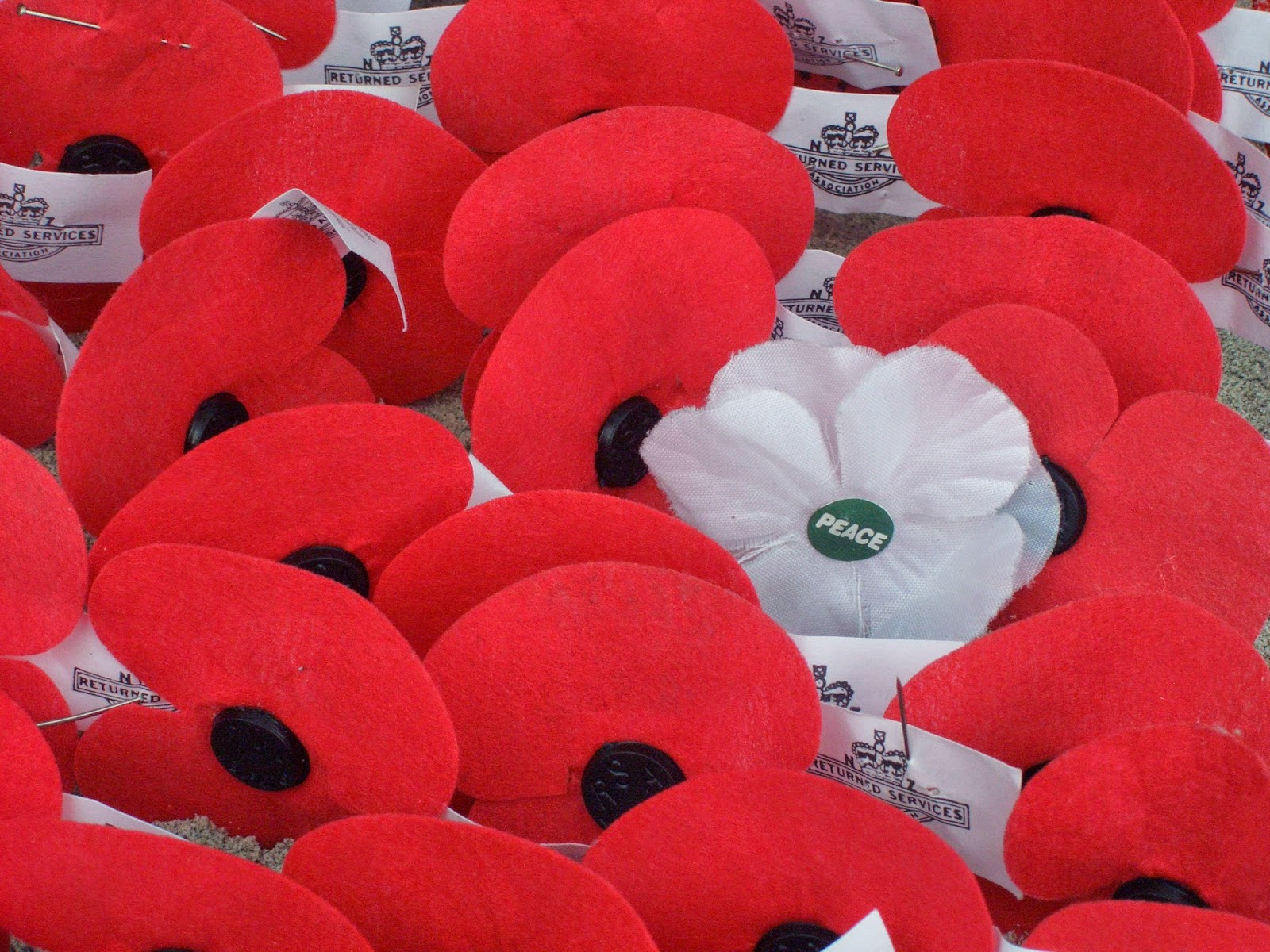
I think it was kind of hard since I never worked on a mac before and the part where we put our voice in the movie it got kind of hard (again). This picture was pretty easy to find since I only had to look up Remembrance day Poppy.
Me, Theresa, Mika and Sophia was in a group and it was really fun to work with them cause they are friends of them. Me and Theresa help the two other girls like for voice ,and Sophia and Mika did most of the digital work like the movie itself. 


Thursday, November 13, 2014

Andrea's Remembrance Day Reflection

http://www.google.ca/search?as_st=y&tbm=isch&hl=en&as_q=fighting+to+cease&as_epq=&as_oq=&as_eq=&cr=&as_sitesearch=&safe=active&tbs=ift:jpg,sur:fm#safe=active&as_st=y&hl=en&tbs=ift:jpg%2Csur:fm&tbm=isch&q=soldiers+shaking+hands&facrc=_&imgdii=_&imgrc=aPmxzvv5__fcOM%253A%3Bd84g6AF5XjYJaM%3Bhttp%253A%252F%252Fupload.wikimedia.org%252Fwikipedi
a%252Fcommons%252F9%252F99%252FSpotkanie_Sojusznik%2525C3%2525B3w.jpg%3Bhttp%253A%252F%252Fen.wikip
edia.org%252Fwiki%252FGermany%2525E2%252580%252593Soviet_Union_relations_before_1941%3B680%3B470


I learned many things about Remembrance Day. They sacrifice thier lives for us to live.


vfff


http://youtu.be/shJQ-7lAz4s


Steps:
  • Spilt each slide into four people
  • Search pictures that fits with the poem
  •  seperates picture with words
  • Changed font
  • Arrange words on each slide
  • put photos as backgrounds
  • Put it all together in imovie
  • put photo's in order
  • Add audio in the video


What I learned in Imovie:
  • Ken burns
  • You can add audio 
  •  You can fix the photo by making it longer so you it can match the audio you put
  • You can add effects
  • How to add photos


http://youtu.be/shJQ-7lAz4s

Hannah's Remembrance Day Reflection


We were only given two days to finish our movie. It was a lot of fun when we recorded our voices, we had to restart so much times because we were in such a hurry and we had to connect to the server several times because the photos that we put on the s drive were wrong, so we had to go back to Google drive and edit the photos again. It was hard but we finished it on time. 

Steps:
1. We put the photos into iMovie
2. We recorded our voices
3. Edited the length of the voices 
4. Put the Citations

Aindrea's Remembrance Day Reflection


In preparing our video for Remembrance Day, we learned how to use iMovie, but before we went to iMovie to put our video together, we found pictures that would match and suit the poem that we chose. We then got the links for each picture and figured out what order the pictures were going to be in. We later put it into iMovie and recorded ourselves reciting the poem. We lined up the pictures to the audio. We also adjusted the amount of time the pictures will be shown. After that we were done and the video was complete.


https://flic.kr/p/kmH9V

Alieha's Remembrance Day Reflection


For this Remembrance Day presentation, we learned how to use iMovie. We found pictures that we thought would explain the poem best. Once we put the pictures in, we recorded our voices to read the poem. We learned how to line up the voices so it matched the pictures. Then, we adjusted how long the pictures were going to be shown, and the video was complete.


https://flic.kr/p/aPhYsF

Mika's Remembrance Day Reflection

iMovie was really difficult to work because one, I never used it, and two, I never used mac. We didn't know how to put fonts on top of fonts on iMovie so what we did was put fonts on google drive presentation and print screen all the slides. Each of us had a job, my job was to put fonts on pictures, print screen, and send it to them. Sophia is in charge of arranging pictures, Theresa and Patricia is in charge of keeping us in task. It was really stressful because our pictures was all plain so I put fonts on it and it was our last day to work on it so I had to rush putting fonts. I wasn't with my group the whole time so I didn't know how they use iMovie. After I send them the pictures, we arranged it to proper place, record our voices, add some transition and we're done! I can't believe we finished everything in one day though. The problem in our video is that our audio is really bad, our voices are quiet, and I didn't pronounce my words properly.

Tuesday, November 11, 2014

Sophia's Remembrance Day Reflection


I think iMovie was fun, it was kind of hard to find things out. I've never worked with iMovie in the past so, it was hard to put fonts and such. Working with iMovie was overwhelming because of the different things that I have worked with before. On iMovie I didn't know how to overlay a font into a video who already has a font.

The steps that we did to make the video were:
1. We put the pictures that we had into iMovie
2. We put the pictures in order.
3. Then we added in traditions
4. We put our audio in.
5. We edited the audio length and the pictures


Friday, November 7, 2014

Remembrance Day Videos


https://www.flickr.com/photos/fotorita/2555768842/


 Well done to the Harbeck GCT crew who even when short crewed and short days created 4 powerful videos.  I commend you on your choice of slides.  Only two can be used at the service.  I have chosen 2 but which two would you choose?  Leave comments below.


So what do you think. Not bad for a first effort at making a video. Well done class